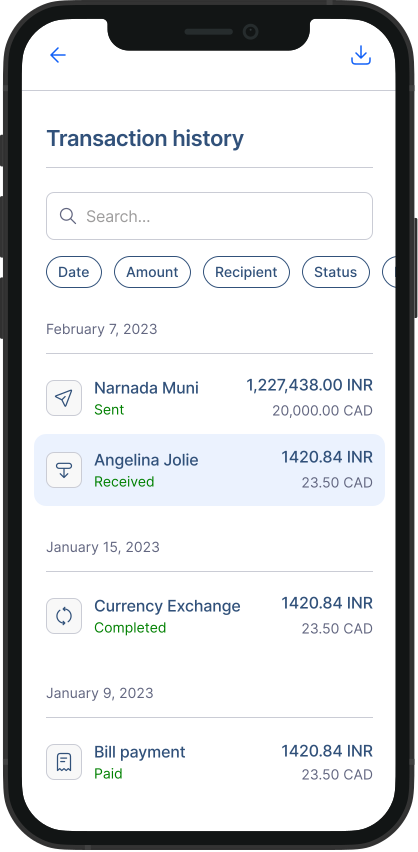
How do I check transaction details?
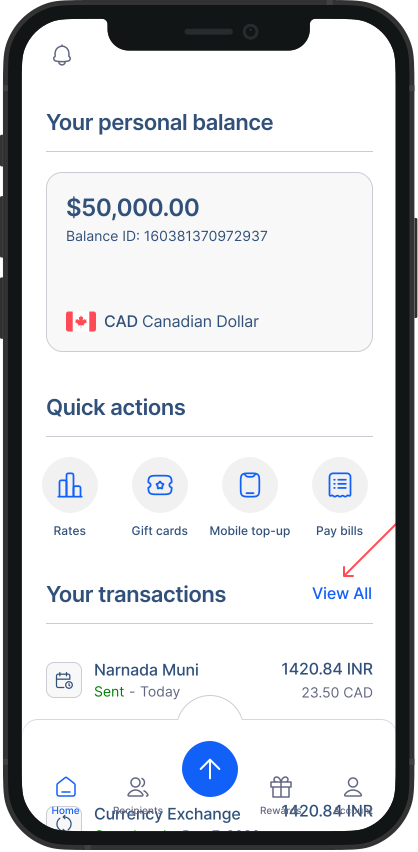
- Go to transaction history: From the home screen, you can see your recent transactions. To access all you older transactions, click on "View all".
- In the list, you'll find key information for each transaction, such as the date, amount, and status. You can search for transactions or filter them based on your preferences.
3. Transaction details: To get more detailed information about a particular transaction, simply click or tap on it.