How to send a money transfer using Direct Withdrawal (EFT)?
Instant connection via EFT (Electronic Funds Transfer) lets you quickly and securely connect your bank accounts to transfer funds.
Steps to send a Money Transfer using EFT
Login and set up your transfer:
- Click on “Send money.”
- Choose your recipient or add a new one.
- Input the amount you wish to send and choose the receiving method.
- Select the purpose of your transfer.
Payment method:
Select “Direct Withdrawal (EFT)” under the payment method options.

- Bank selection:
Select your bank from the provided list.
- Link your bank account
Link your bank account using your online banking Login credentials - User ID and Password.
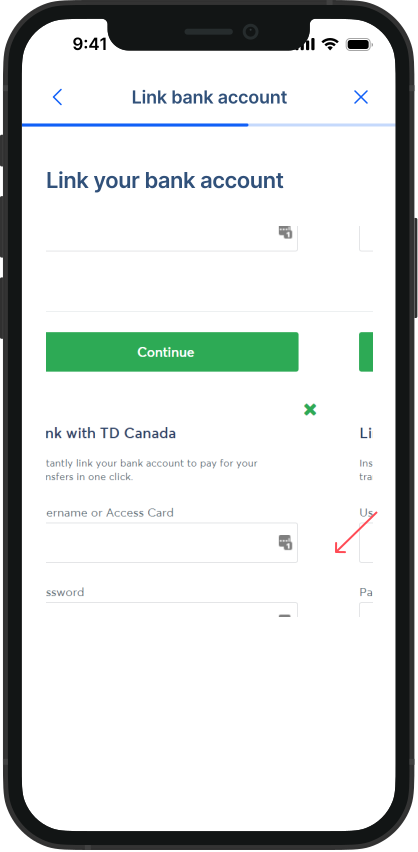
After your bank account is successfully linked, select the bank account you want to pay with.
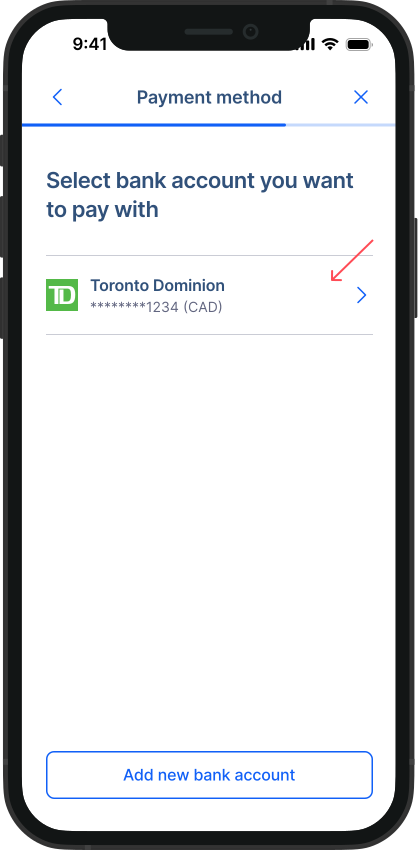
- Review and send your transfer:
Double-check all your details and send your transfer. You will see a success dialog with an estimated transfer completion date.
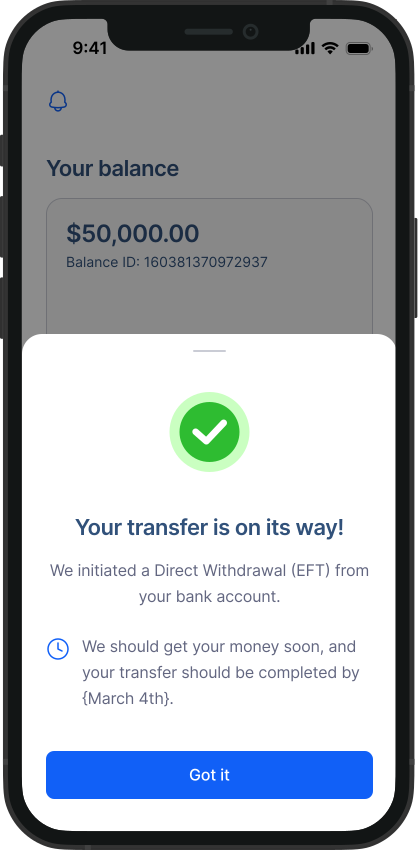
That’s all! We will keep you posted about your transaction’s updates using emails and notifications.