How to use gift card feature on Remitbee?
RemitBee's gift card feature is designed to make gift-giving easy and convenient. Whether it's a special occasion, a token of appreciation, or just a way to stay connected, you can send gift cards to friends and family around the world with a few simple steps.
Selecting and Sending Gift Cards
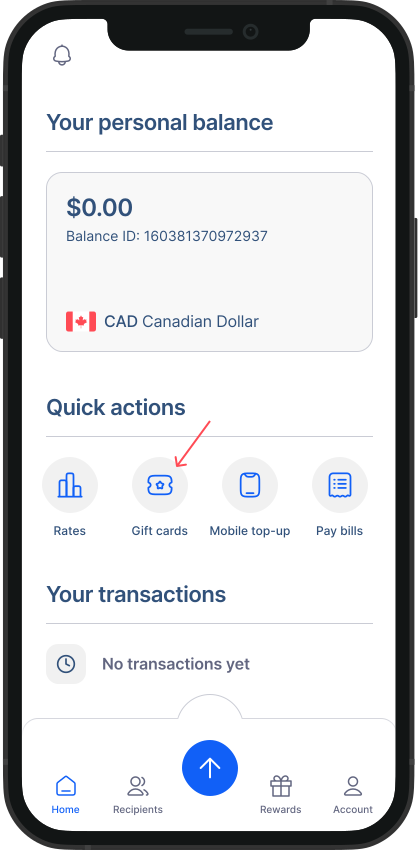
- Access the Gift Card Feature: To get started, access RemitBee's gift card feature from the homescreen.
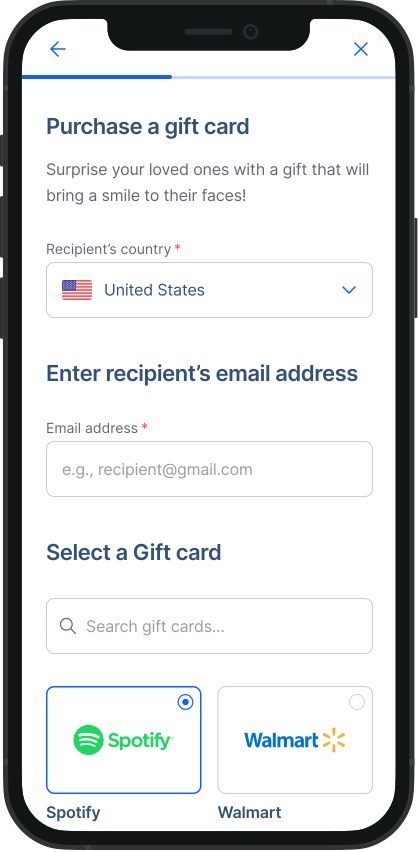
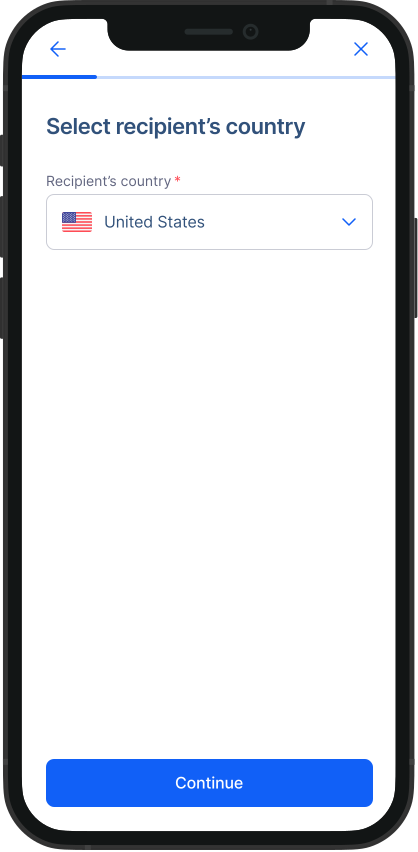
- Choose Your Recipient’s Country: Choose the country where you want to send a gift card from the drop-down menu.
Recipient’s Email Address: Provide the recipient's email address. The gift card will be sent directly to this email address, ensuring they receive it promptly.
Choose Your Retailer or Brand: Browse through the retailers and brands available in our selection. Select the one that you think your recipient will love the most.
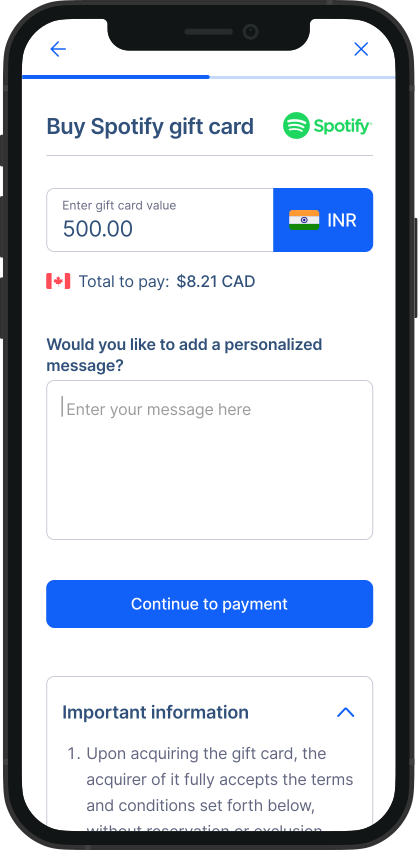
Select the Gift Card Value: Choose from the available options. Value differs for each brand.
Add a Personalized Message: Make the gift card extra special by adding a personalized message for the recipient. You can express your sentiments or share your best wishes.
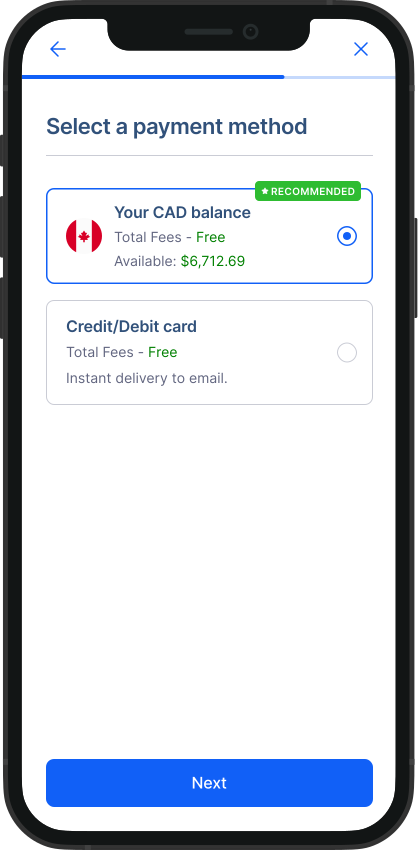
- Complete the Transaction: Follow the on-screen instructions to complete the transaction. This will involve choosing a payment method, confirming your details, and making the payment.
Instant Delivery, Global Reach
Once you've completed the transaction, the gift card will be sent directly to the recipient's email address, regardless of their location in the world. They can then redeem the gift card at the selected retailer or brand and enjoy their chosen products or services.
RemitBee's gift card feature is a convenient and thoughtful way to connect with your loved ones, no matter where they are. Whether it's for a birthday, a holiday, or just to show you care, sending gift cards is now easier than ever. Make your special moments even more special with RemitBee's gift card service.