How to set up biometric authentication?
Setting up biometric authentication for your mobile application is simple. Ensure the security of your RemitBee account by adding an extra layer of protection through biometric authentication. Here's how:
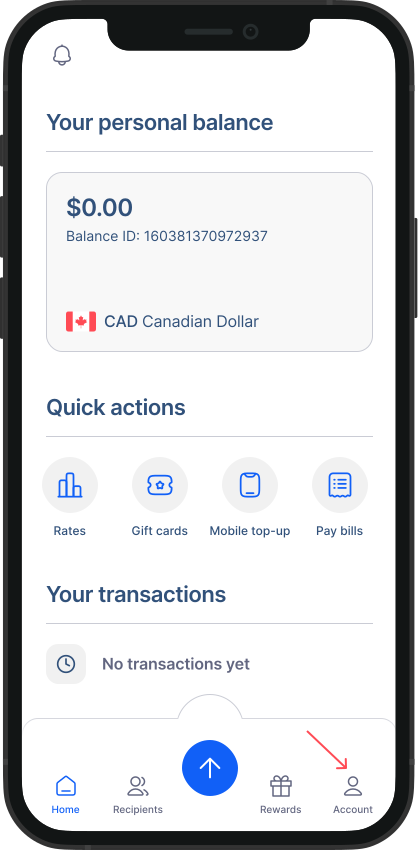
- Go to Accounts from Home Screen: Tap on "Accounts" to access your account settings.
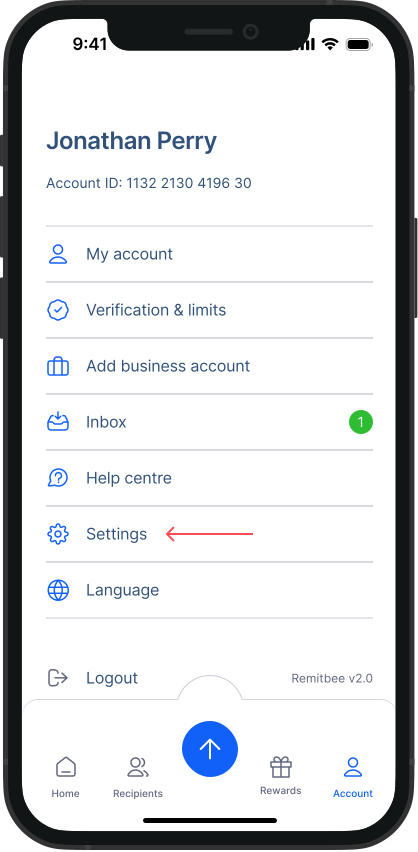
- Go to Settings: Within the Accounts screen, tap on "Settings."
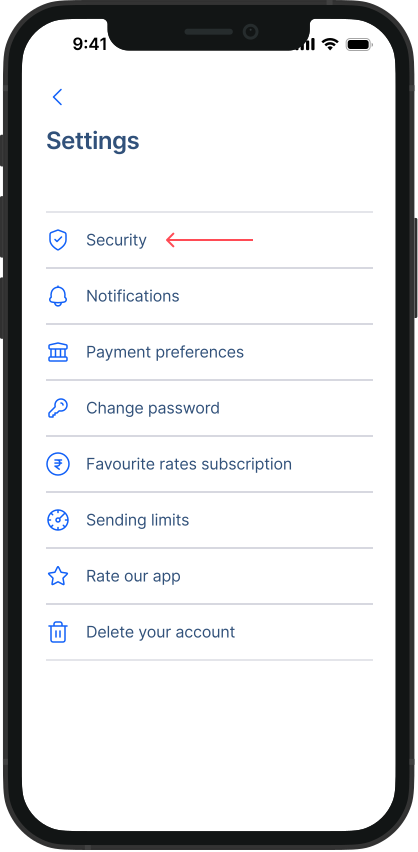
3, Go to Security: Within the Settings screen, tap on "Security"
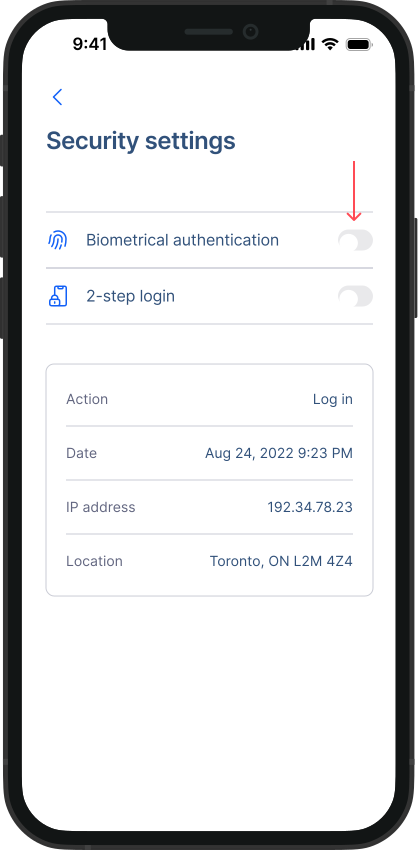
- Turn on Biometrical authentication: Switch in the toggle next to Biometrical authentication.
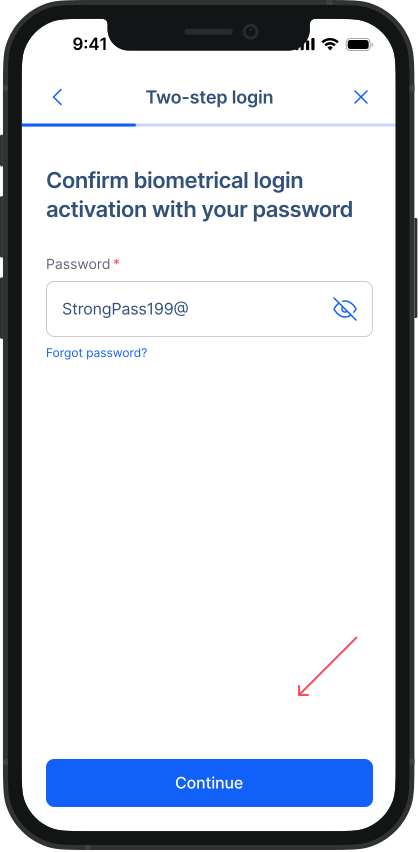
- Enter your Password: As prompted on the screen, enter your password and tap on “Continue”. Biometric authentication will be enabled successfully.