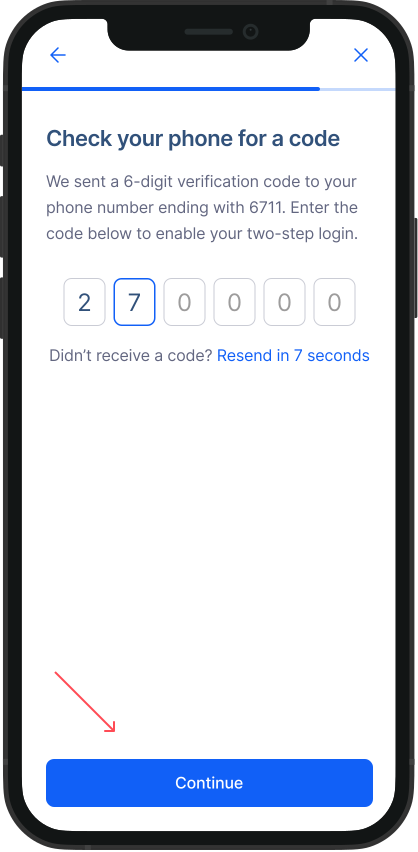
How can I set up 2-factor verification?
Setting up 2-factor verification is straightforward. Safeguard your RemitBee account by adding a layer of security through 2-factor verification. Here's how:
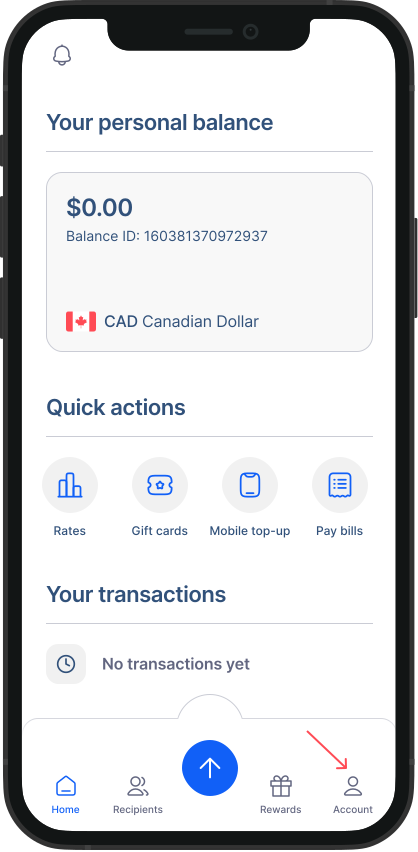
- Go to Accounts from Home Screen: Tap on "Accounts" to access your account settings.
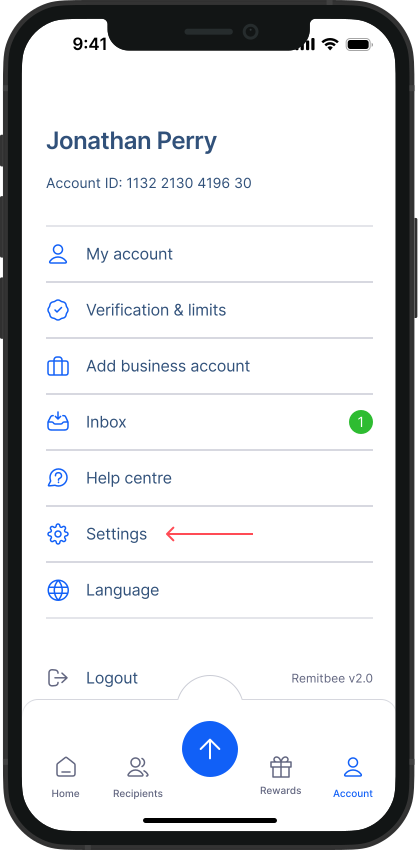
- Go to Settings: Within the Accounts screen, tap on "Settings."
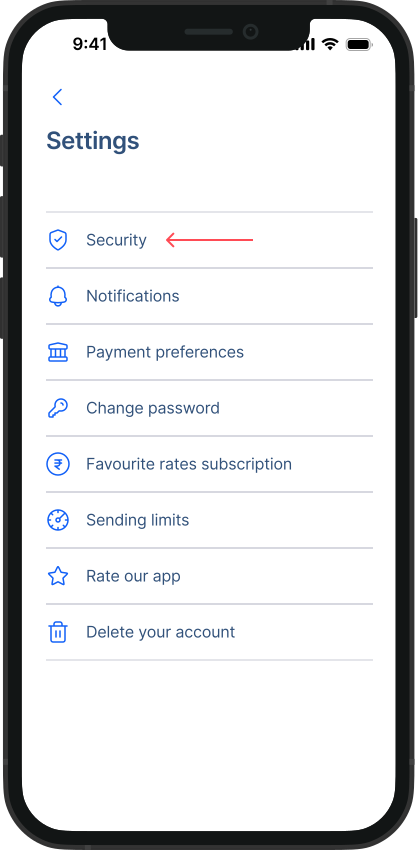
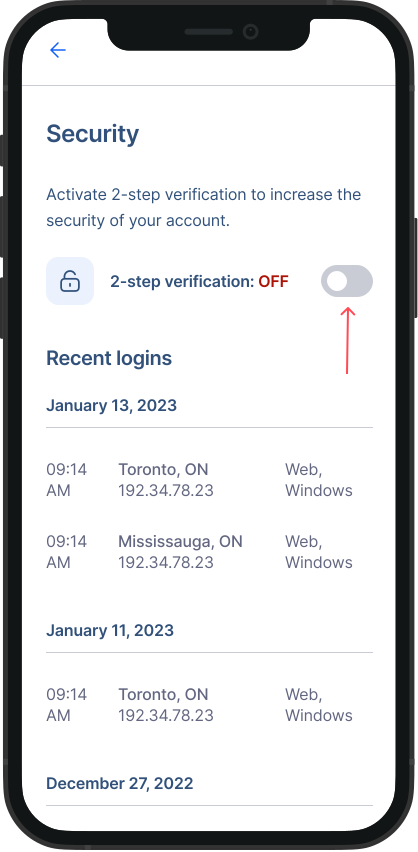
- Go to Security: Within the Settings screen, tap on "Security".
- Turn on 2-factor verification: Switch in the toggle next to 2-factor verification.
- Enter verification code: Check your phone for a code we sent you and enter it as prompted. Tap on “Continue” and 2-factor verification will be successfully enabled.