How to send your first money transfer ?
We're excited to help you with your first money transfer. This guide will walk you through the process, ensuring a smooth and easy transaction.
Step-by-step guide to send money to India:
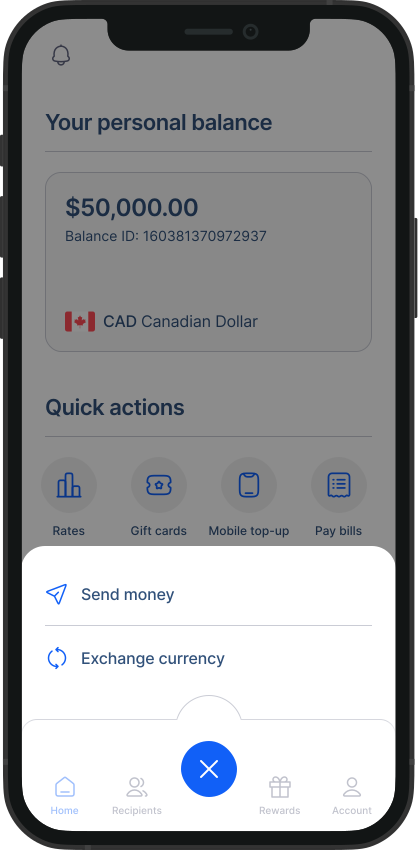
- Start the process: Click the “Send money” button from your homescreen.
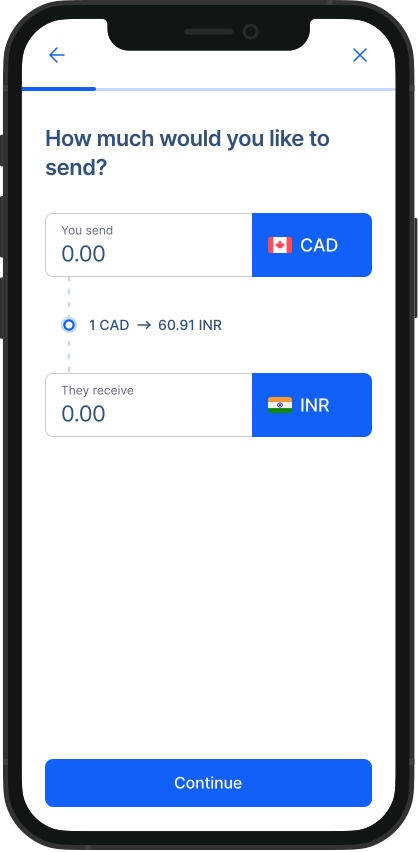
Select country and currency: Tap on Recipient’s country and select it from the dropdown list. Then select the receiving currency of your choice from the dropdown list of Receiving currency.
Amount: Enter the amount you want to transfer.
Select receiving method: Choose how the recipient will receive the funds. Please note that the available receiving methods vary by country.
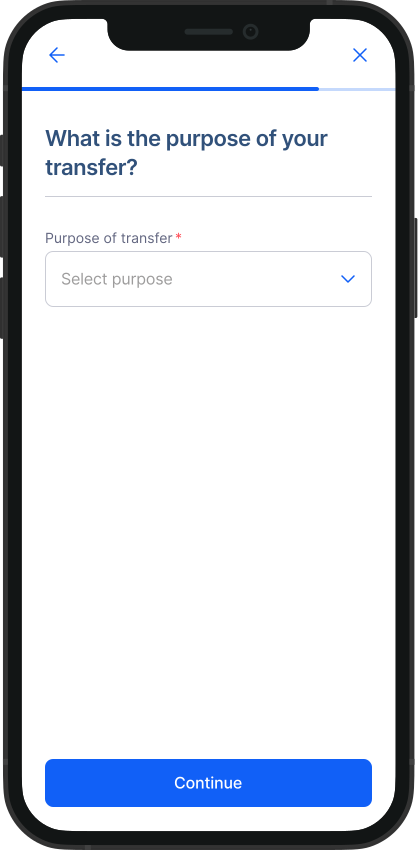
Purpose of transfer: Pick the reason for your transfer from the options provided, like family expenses or loan repayment.
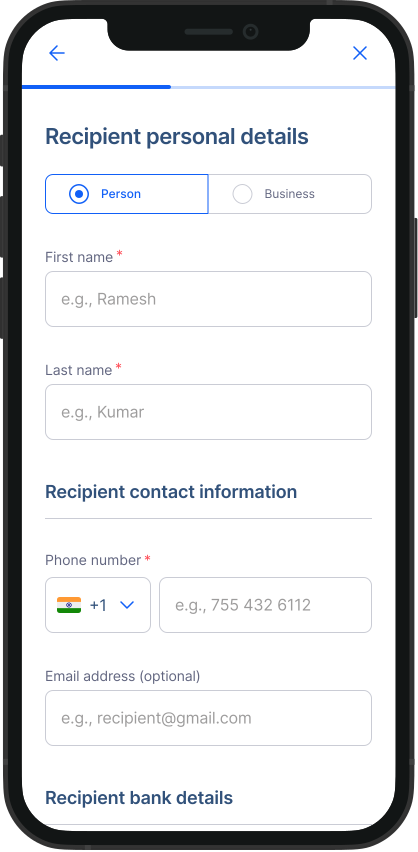
- Recipient information: Fill out the information of your recipient as prompted on the screen.
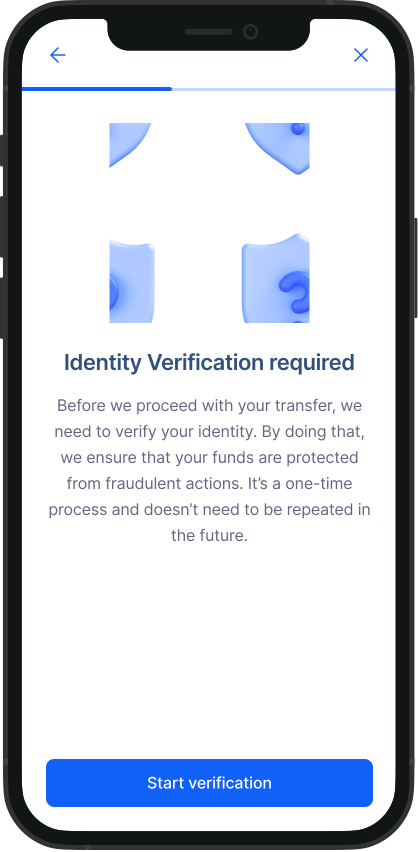
- Verification Process: Since this is your first transfer, we'll need to verify your account. Simply follow the steps prompted on the screen. This is a one-time process. Learn how to verify here.
Preferred Bank: Choose the Canadian bank where you hold an account.
Payment method: Select how you would like to pay. We have multiple payment methods available such as Direct Withdrawal (EFT), e-Transfer, Bill payment, Debit card. You can also add funds to your Balance and pay through for your transfer through your Balance easily.
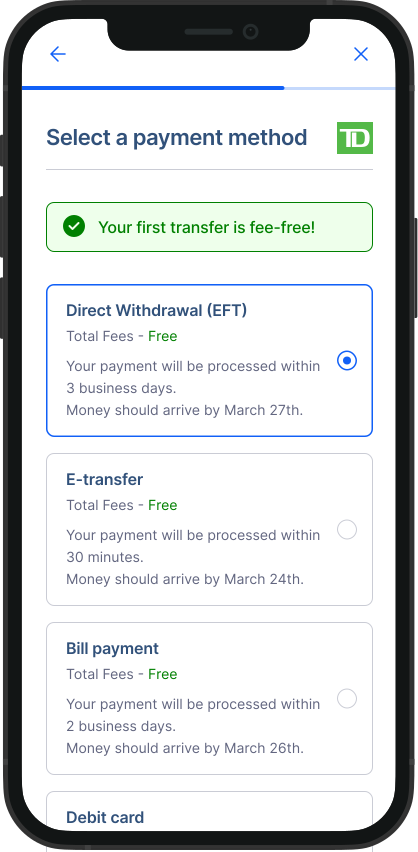
Payment information: Follow the instructions for payment details as prompted on the screen for your selected payment method.
Review and confirm: Double-check all the details of your transfer and tap on “Confirm and send” to send your money transfer.
Congratulations!
You've successfully initiated your first money transfer with RemitBee. Once your account is verified and funded, your transfer will be processed and completed shortly.
You may also check out these video tutorials: