How can you sign up for an account?
1. Go to the Signup Page: You can either visit Remitbee Website and click on the signup button, or you can download our app from the App Store (for iOS) or Play Store (for Android) and start the signup process.
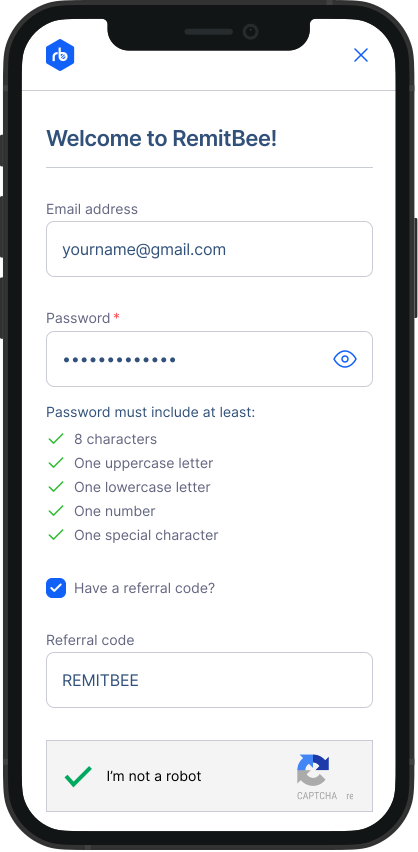
- Enter Your Details: On the signup page, you'll need to enter your email address and create a strong password. Make sure your password is secure and easy for you to remember.
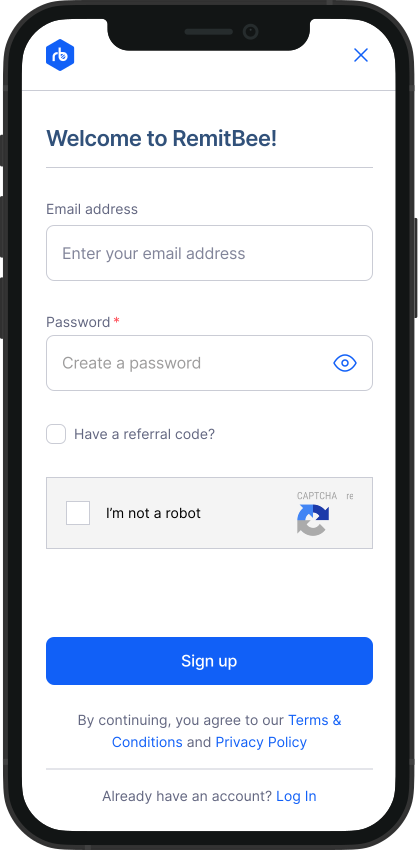
- Referral Code: If you have a referral code, tick the checkbox. An input field will appear where you can enter your referral code.
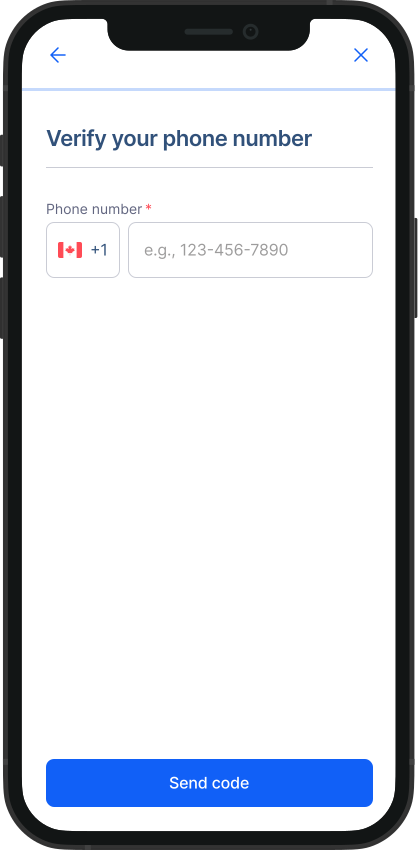
- Enter Your Phone Number: Provide your phone number, which will be used for account verification.
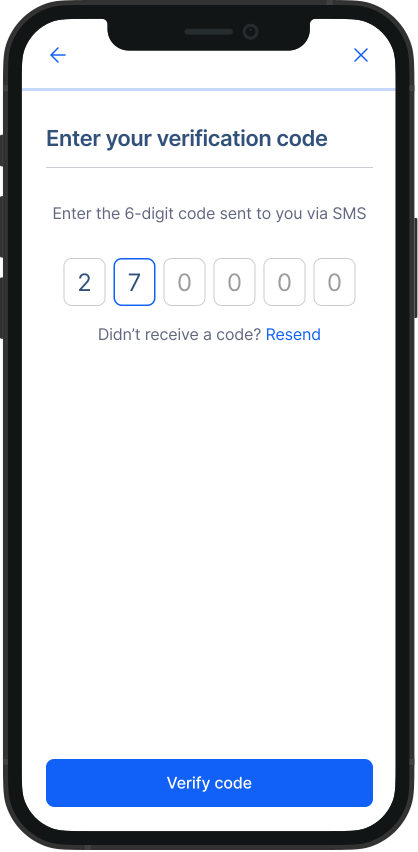
- Enter Verification Code: You will receive a 6 digit verification code on your phone. Enter this code to verify your phone number.
- Select Account Type: Choose the type of account you want to create—either business or personal—based on your needs.
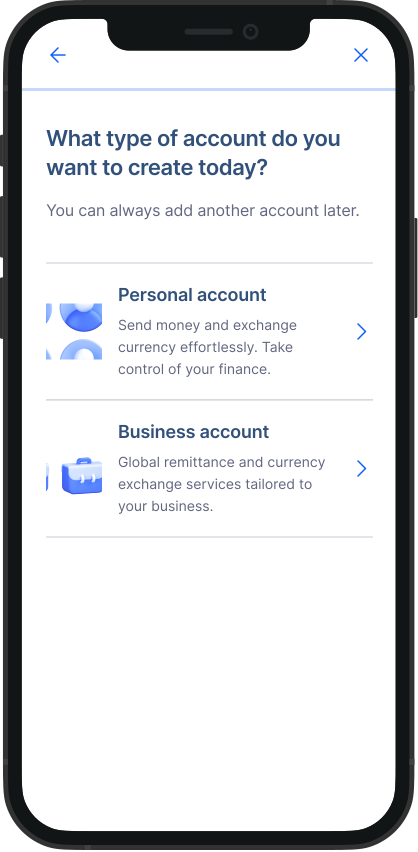
That's it! With these simple steps, you'll be ready to use Remitbee for all your money transfer needs. If you need any assistance during the signup process, our customer support team is here to help.
Check out these video tutorials: