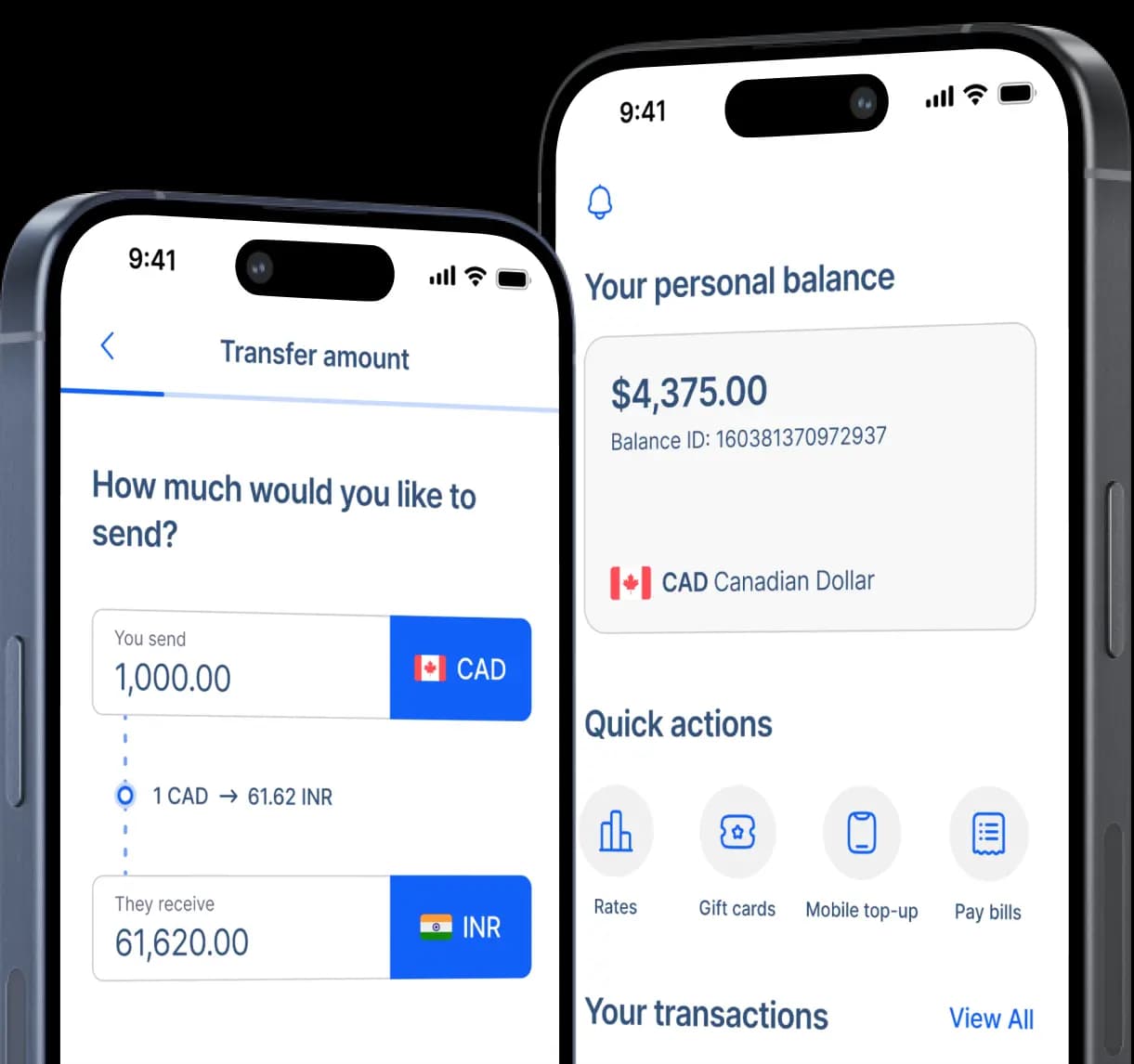
Send money to UPaisa Wallet in Pakistan
Our goal is to reduce global distances by promoting transparent and affordable financial connections, ultimately striving for universal financial empowerment.


Fast and secure
How to transfer money to UPaisa
Step 2: Select 'Mobile Wallet' as the receiving method for your recipient.
Step 3: Enter your recipient's name.
Step 4: Under the 'Mobile e-Wallet provider' options, choose 'UPaisa' then enter the recipient's account number (their mobile number: 03XX-XXXXXXX).
Step 5: You will be asked to enter the recipient's home address.
Step 6: Enter the amount you wish to send then select the purpose of your transfer from the options.
Step 7: Choose your preferred payment method for the remittance and follow the payment instructions.
Step 8: Confirm details and send your money transfer.
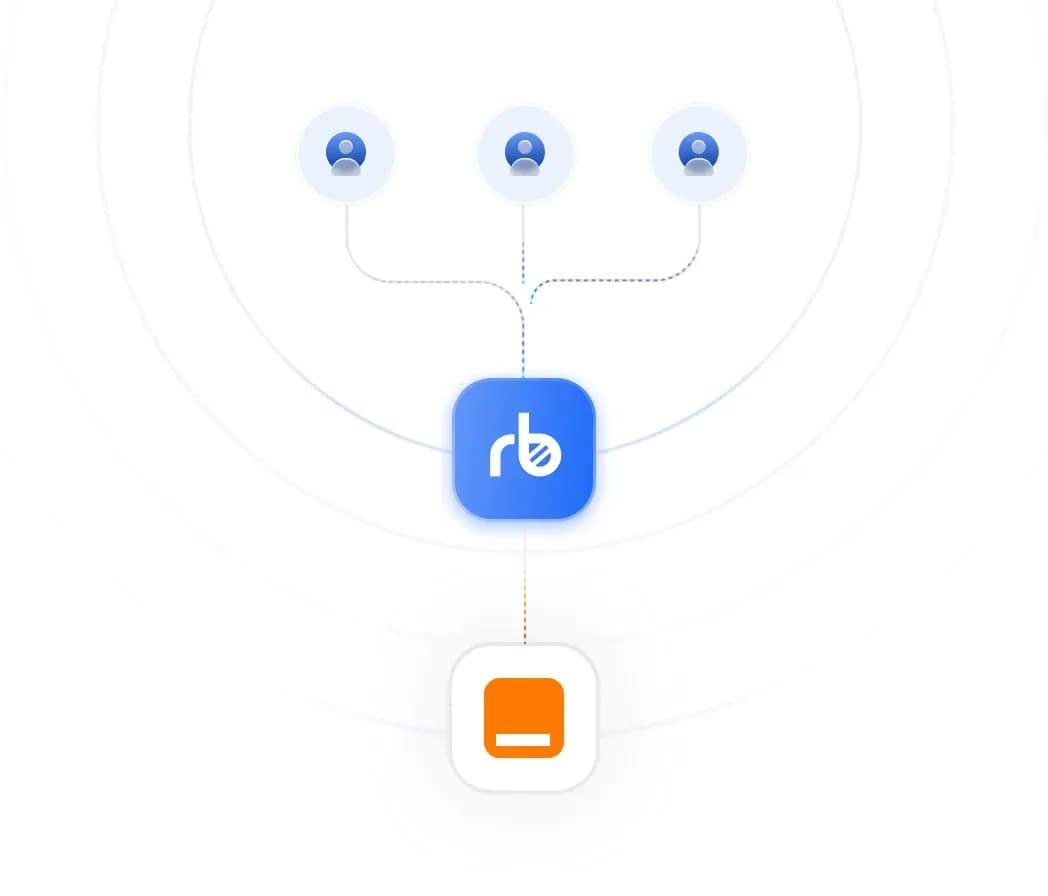
How UPaisa works
Upaisa is a mobile wallet and digital payment service by Ufone, turning your Ufone SIM and mobile number into a bank account. Your phone number acts as your account number, making it simple and convenient.
You can directly send money to any 03XX-XXXXXXX number without needing a traditional bank account, routing codes, or branch visits, transfers are instant and funds are ready to use right away.
Your loved ones can easily access money through the Upaisa app, pay household bills, recharge mobiles, shop online, or transfer money to family and friends with just a few taps.
Withdrawals are available at UPaisa agents, Ufone Service Centers, and ATMs nationwide, giving cash access across cities, towns, and villages in Pakistan.
Why choose UPaisa?
Launched in 2013 through a collaboration between U Microfinance Bank and Ufone, Upaisa is a trusted branchless banking solution that extends financial access to millions of Pakistanis. With services ranging from bill payments and money transfers to debit cards and donations, it offers a complete digital banking experience.

Open your Upaisa account easily with your Ufone SIM and CNIC, your mobile number becomes your account number.

Send and receive money instantly across Pakistan. Pay school fees, loan installments, utility bills, toll charges, or recharge any mobile number in seconds.

Backed by U Microfinance Bank and regulated by the State Bank of Pakistan, Upaisa ensures safe transactions while promoting financial inclusion across cities, towns, and villages.
Mobile Wallets available in Pakistan
RemitBee is better on the app!