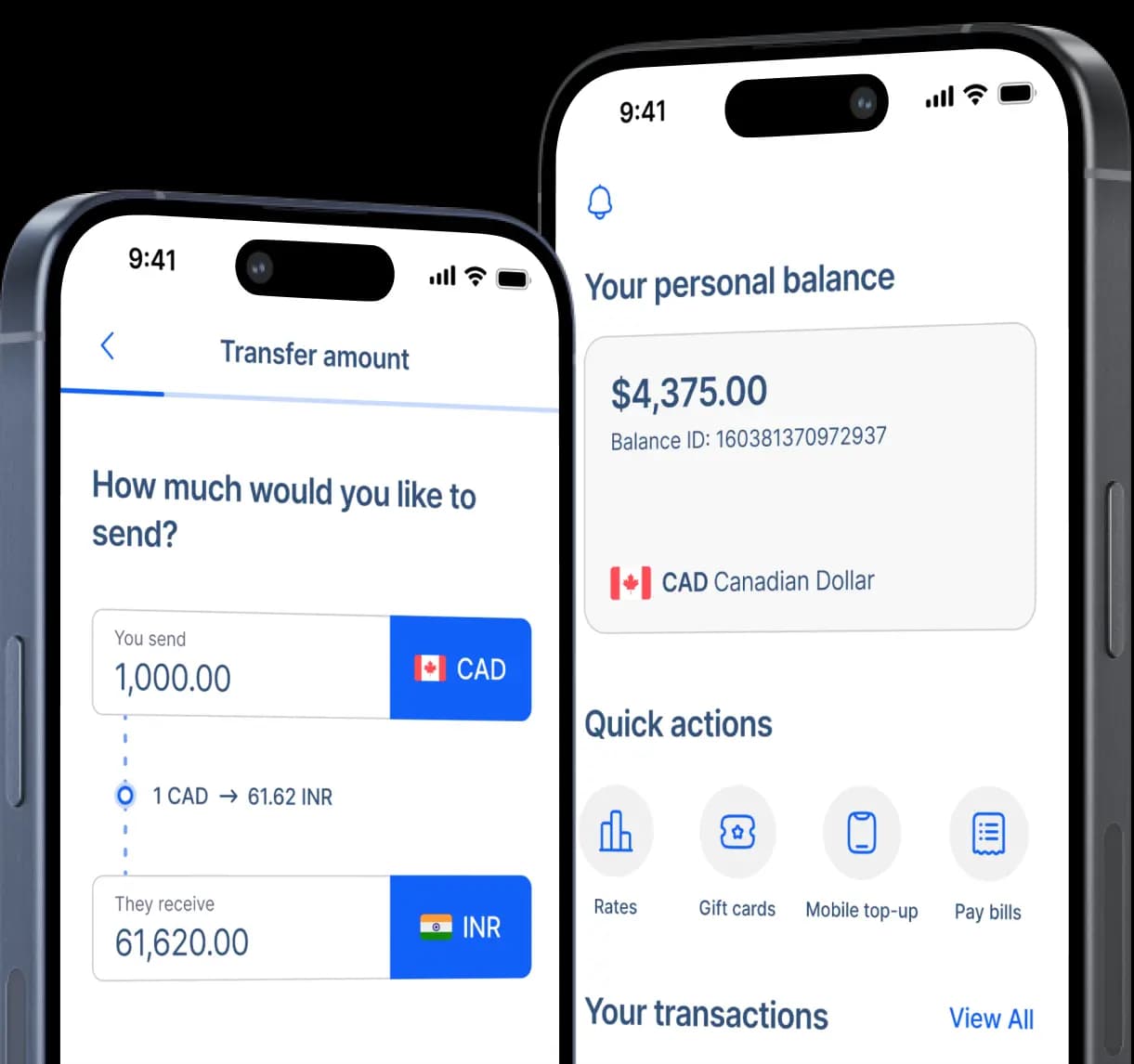
Send Money to Maya in the Philippines
PayMaya is now Maya, an all-in-one money app in the Philippines that combines a mobile wallet with digital banking through Maya Bank. Users can send money, pay bills, shop online, save, invest, and grow their money in one app.
Maya is widely used in the Philippines, making it a popular option for Canadians sending money to family and friends. It is also a major competitor to GCash, with Maya being known for its savings features and online transactions, while GCash is more popular for everyday payments and in-store purchases.


Fast and secure
How to transfer money to Maya
Step 2: Select Mobile Wallet as your preferred receiving method.
Step 3: Type your recipient's full name as it appears on their Maya account.
Step 4: Choose Maya as your preferred pickup provider. Enter your recipient's mobile number registered to their Maya account.
Step 5: Type your recipient's home address when requested.
Step 6: Enter the amount you want to send and review the expected PHP payout. Afterwards, select the purpose of your transfer.
Step 7: Select your preferred payment method and follow the funding instructions.
Step 8: Review the recipient's details, exchange rate, transfer fee, and delivery estimate before you confirm the transfer.
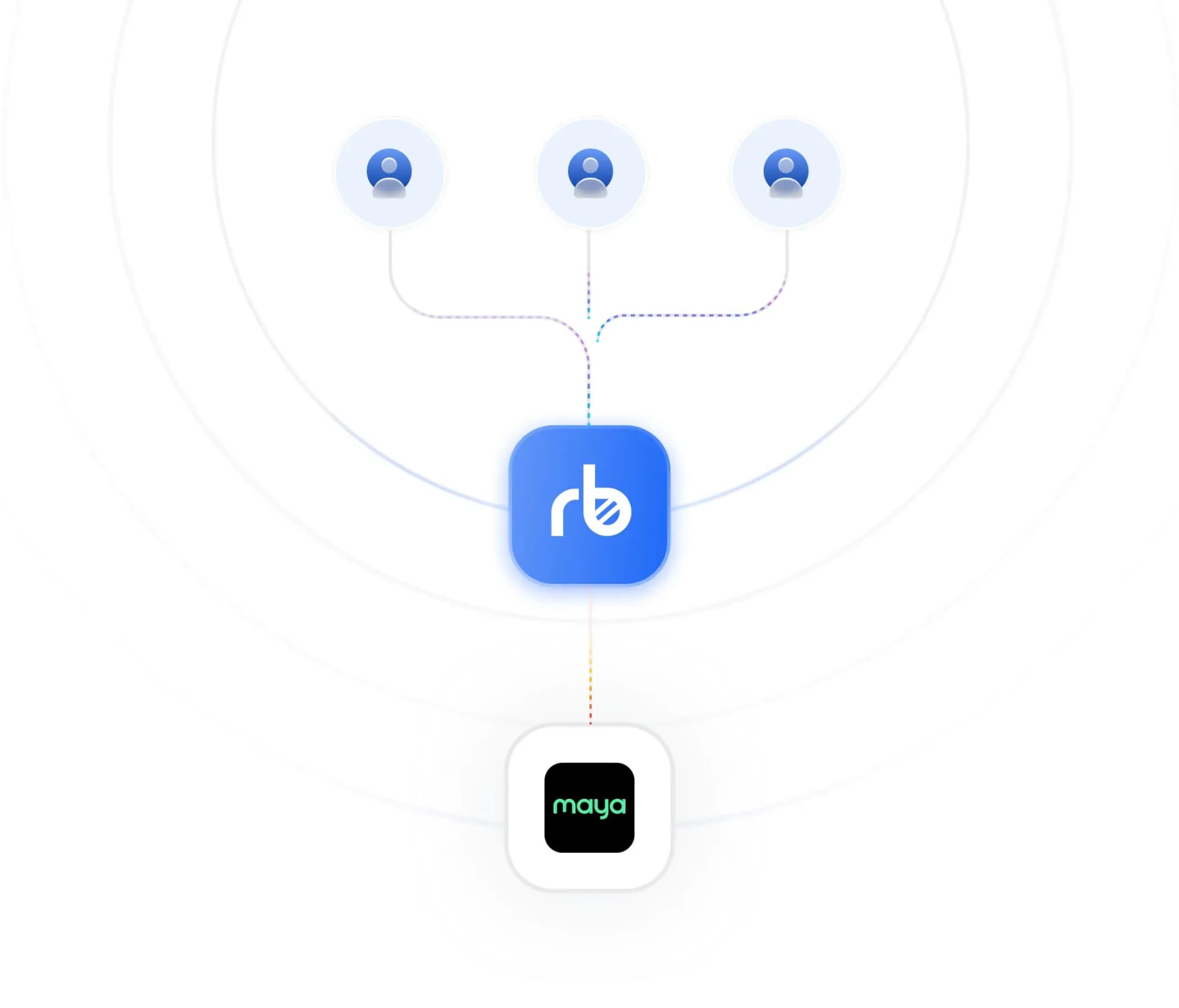
How Maya works
With Maya, users can receive and send money, pay bills, and avail other financial services from their phone.
To receive a RemitBee remittance, recipients must register a mobile number and complete the account verification required by the Maya app. Their profile status can affect the wallet features and transaction limits available to them.
Once a remittance is delivered, the recipient receives the Philippine peso amount in their Maya wallet. Some transfer channels may require a reference number before a recipient can claim the money.
Once the money is received, the recipient can use the money for transfers, bill payments, and purchases. They can also cash out the money through available options.
Why choose Maya?
Maya is a convenient, all-in-one digital money app that lets users in the Philippines enjoy mobile wallet features with high-yield savings. With the Maya app, users in the Philippines can conveniently receive local and international remittances in Philippine pesos.

Select Maya as your Mobile Wallet option during your RemitBee transfer so the quoted Philippine peso amount is sent to your recipient's registered Maya wallet. Before confirming the transaction, review the amount charged in Canadian dollars, the transfer fee, the exchange rate, and the expected PHP payout.

Once the money is successfully transferred, your recipient can use Maya to send money, pay bills, buy mobile loads, shop online, and access other supported financial services. With this convenience, the remittance you sent can be used for household expenses, utilities, tuition, business funds, medication, gifts, and other ongoing family support.

To protect all transfers, RemitBee uses identity checks and transaction monitoring. Meanwhile, Maya provides account verification and security controls for their users. As a safe practice, always confirm your recipient's name and mobile number and never share a Maya OTP or PIN.
Cash-out options across the Philippines
Availability, fees, and limits may vary. Recipients with a Maya account should check the current cash out section and profile limits before withdrawing or transferring money from their Maya account. This flexibility turns a Canada-to-Maya remittance into money in the Philippines that you can spend digitally or access as cash when needed.
RemitBee is better on the app!