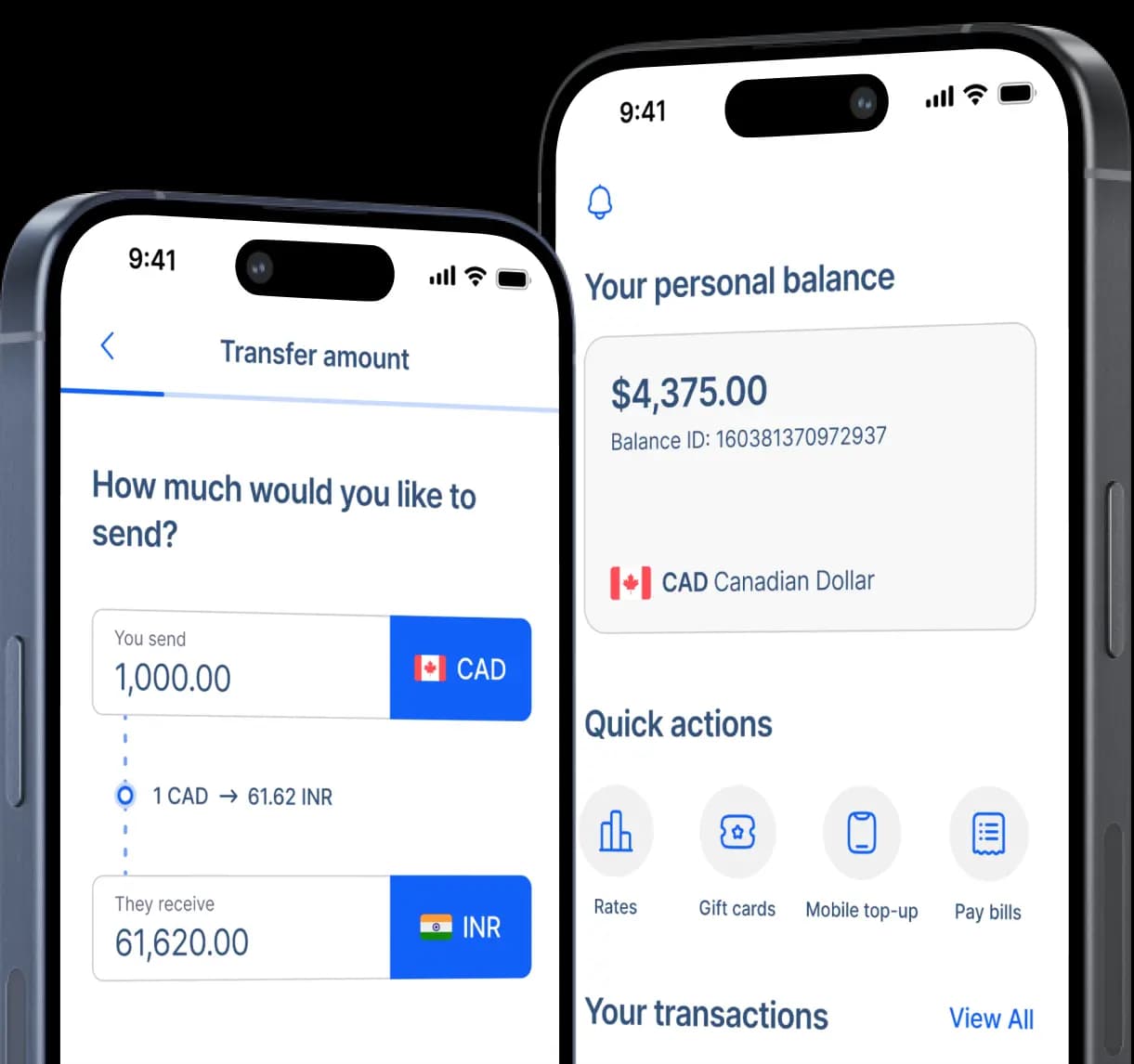
Send money to OmniPay Wallet in Philippines
Make seamless, affordable, and secure transfers to the OmniPay wallet with RemitBee and enjoy


Fast and secure
How to transfer money to OmniPay
Step 2: Select 'Mobile Wallet' as the receiving method for your recipient.
Step 3: Enter your recipient's name.
Step 4: Under the 'Mobile e-Wallet provider' options, choose 'OmniPay' then enter the recipient's mobile number (+63XXXXXXXXXX).
Step 5: You will be asked to enter the recipient's home address.
Step 6: Enter the amount you wish to send then select the purpose of your transfer from the options.
Step 7: Choose your preferred payment method for the remittance and follow the payment instructions.
Step 8: Confirm details and send your money transfer.
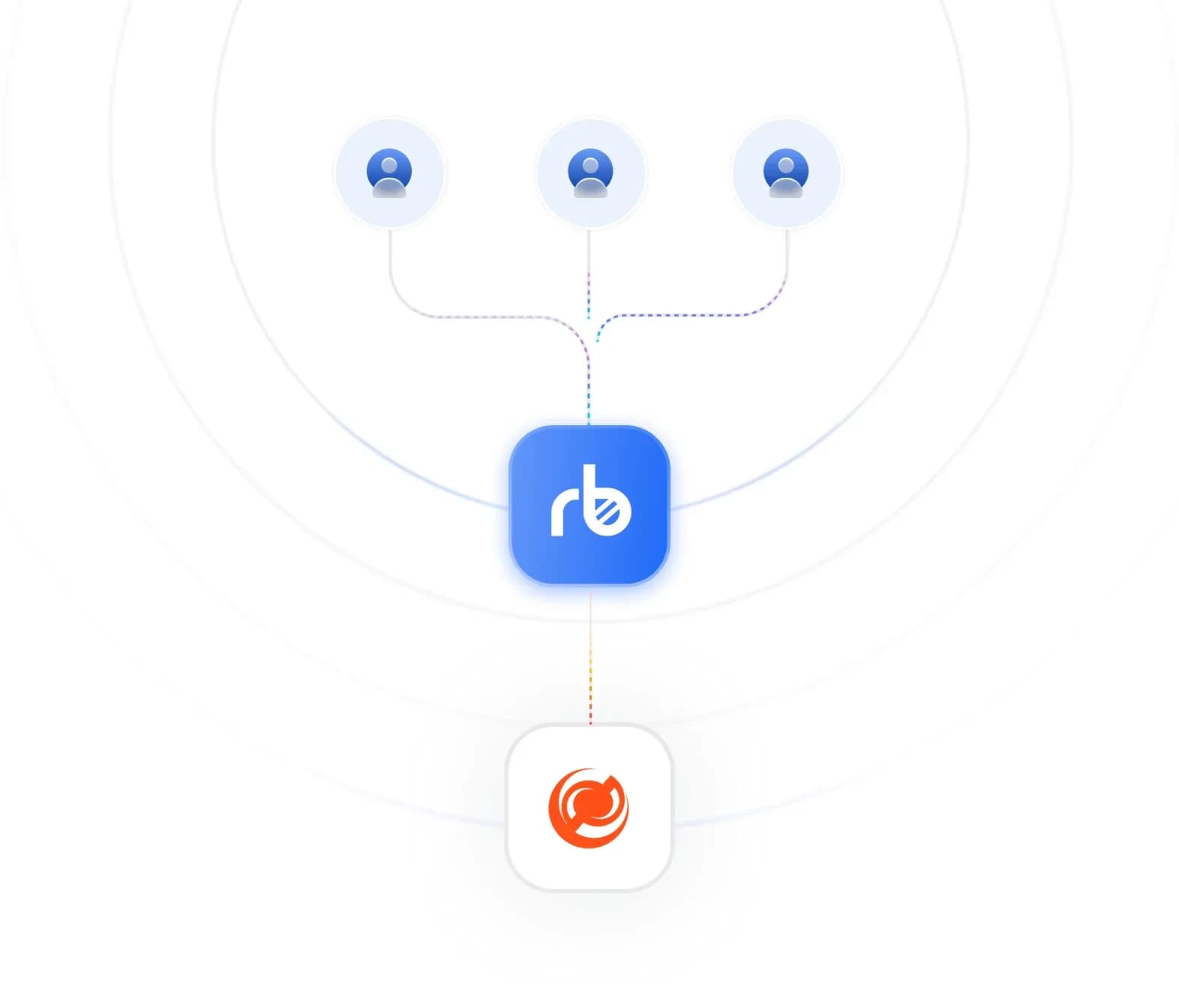
How OmniPay works
OmniPay connects your family's mobile number directly to the Philippine central bank's settlement network — turning any smartphone into a direct gateway to peso transactions cleared by BSP.
Send money to +63XXXXXXXXXX and watch funds flow through government-controlled channels without commercial bank delays, branch requirements, or third-party payment processors slowing delivery
Family members can access transferred funds through their OmniPay app immediately. Pay Meralco bills, settle PhilHealth premiums, buy groceries with the physical Visa card, or pull cash from thousands of BancNet machines across islands and provinces.
Cash access spans 47,000 ATM locations from Luzon's busy cities to Mindanao's remote municipalities through the national BancNet system.
Why choose OmniPay?
OmniPay earned BSP approval as the country's inaugural non-bank electronic money issuer, plugged directly into central banking infrastructure — serving over 236 financial institutions through the same payment rails used by major Philippine banks. Here's why families trust OmniPay for government-grade money transfers

OmniPay never charges incoming transfer fees. Your C$500 converts to the full PHP value in their wallet balance (family members receive maximum purchasing power while you pay only RemitBee's transparent fees). Zero hidden charges slice into transferred amounts.

OmniPay handles SSS contributions, PhilHealth renewals, BIR filings, and Pag-IBIG deposits through mobile app taps. Family members complete mandatory government obligations from home (particularly valuable for senior parents avoiding crowded government buildings and endless paperwork queues).

OmniPay processes every transaction through BSP's Real-Time Gross Settlement infrastructure — bypassing commercial banks that add delays, fees, and potential service disruptions. Money moves with presidential-level security protocols instead of corporate banking limitations.
Mobile Wallets available in Philippines
RemitBee is better on the app!