Send Money to Bank of Commerce Cash Pickup in the Philippines
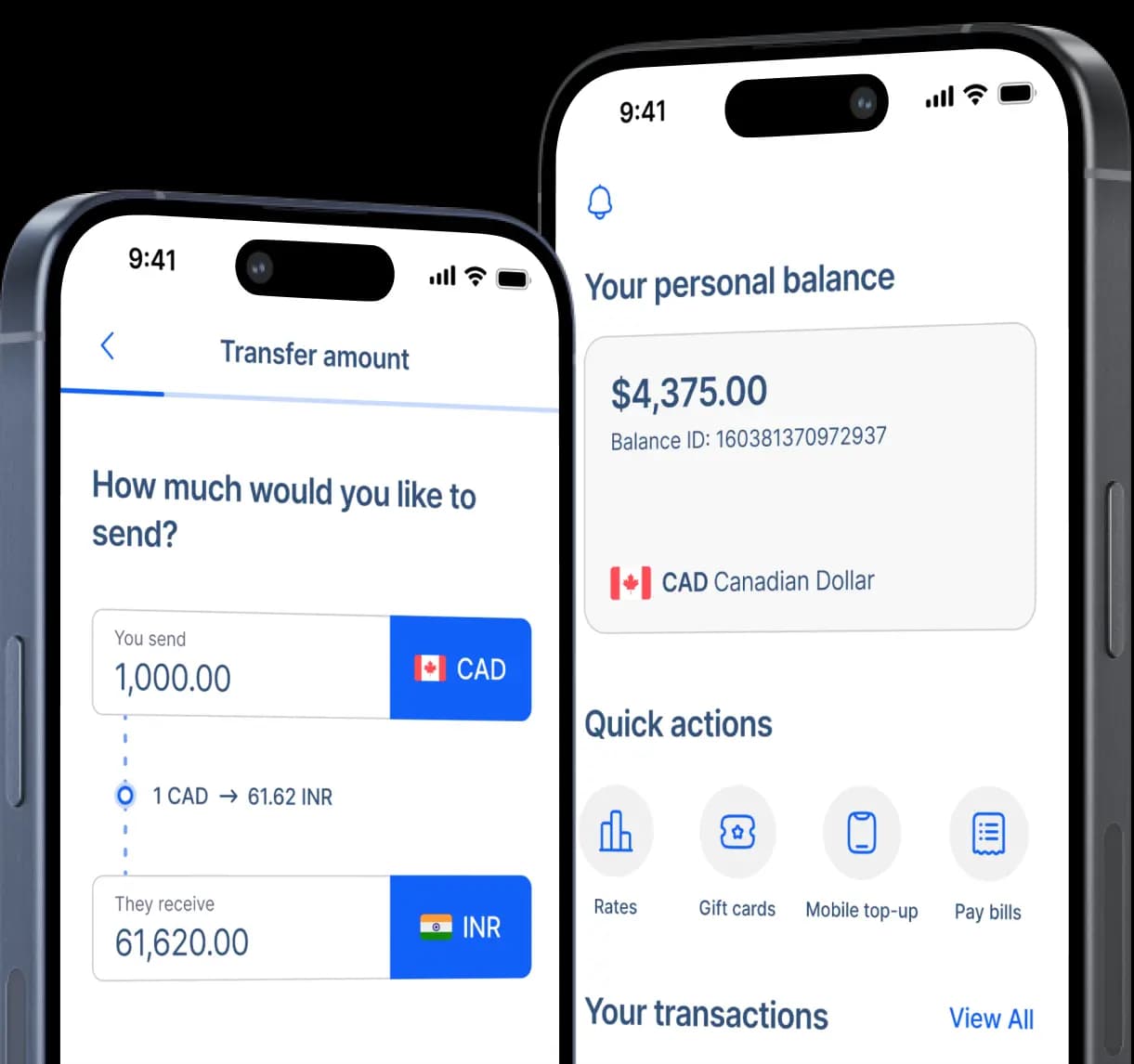
Send Canadian dollars for Bank of Commerce cash pickup in the Philippines with RemitBee and review the CAD-to-PHP exchange rate, transfer fee, expected peso payout, and delivery estimate before confirming the transaction.


A bank-backed route for cash collection
How to arrange Bank of Commerce cash pickup from Canada
Step 2: Select To Pickup so the transaction is created for in-person cash collection.
Step 3: Enter the recipient’s legal name, mobile number, email address, and home address.
Step 4: Check those details with your recipient before moving to the provider selection.
Step 5: Choose Services Bank of Commerce under Bank options in the current RemitBee flow.
Step 6: Complete the Bank account field requested, then enter the CAD amount and transfer purpose.
Step 7: Choose your Canadian payment method and follow the funding instructions displayed by RemitBee.
Step 8: Review the recipient information, CAD-to-PHP rate, fee, and delivery estimate before confirming and tracking the transfer.
BankCom combines bank branches with familiar Philippine payout networks
Bank of Commerce, commonly branded BankCom, is a San Miguel Corporation affiliate and a Bangko Sentral ng Pilipinas-regulated universal bank with roots in the Philippines dating to 1963.
As of June 30, 2026, BankCom reported 142 branches and 284 ATMs and cash kiosks across its nationwide banking network.
Its SikapPinoy International Remit service supports branch cash pickup and a wider Cash Pick-up Anywhere network that includes M Lhuillier, Cebuana Lhuillier, LBC Express, Palawan Express, and RD Pawnshop.
BankCom also names Family Express Canada and U Remit International among its Canadian remittance partners, giving its overseas-remittance program a direct connection with Filipino communities sending from Canada.
Plan the BankCom payout around how your recipient wants the cash
BankCom supports several remittance delivery routes, so a cash-pickup transfer should be chosen because it fits the recipient rather than because the provider name is familiar. The most useful checks are whether you are using the correct RemitBee route, where the recipient is expected to collect, and how the Canadian payment method affects processing.

BankCom supports direct account credit as well as cash collection, and those are different receiving methods. RemitBee’s dedicated page explicitly instructs the sender to select To Pickup, while Remitly’s current Canadian Bank of Commerce page is focused on bank deposit. If your recipient wants physical pesos, follow RemitBee’s cash-pickup workflow rather than using account-deposit instructions from another provider.

BankCom’s own Cash Pick-up Anywhere service names several well-known Philippine payout networks, which can be useful for families outside the immediate reach of a BankCom branch. However, that broader BankCom program does not prove that every RemitBee transaction can be collected through every listed partner, so the payout information issued for the individual transfer should decide where the recipient goes.

RemitBee currently lists debit as immediate funding, e-Transfer at about 15 minutes, bill payment at one business day, and EFT at one to two business days for the Philippines. Those times cover the Canadian funding stage rather than guaranteed counter availability, so wait for the transfer status to confirm that collection is ready.
Keep the transfer details ready before collection
BankCom also states that banks request proper customer identification for remittance transactions under anti-money-laundering requirements, although its public cash-pickup page does not publish one universal ID checklist specifically for RemitBee payouts.
If collection is at a BankCom branch, check the exact location before travelling because current branch schedules can vary, with many locations operating Monday through Friday from 9 a.m. to 4 p.m.
RemitBee is better on the app!