Send Money to Telecomm for Cash Pickup in Mexico
Send Canadian dollars for Telecomm cash pickup in Mexico with RemitBee and see the CAD-to-MXN exchange rate, transfer fee, expected peso payout, and delivery information before you approve the transaction.


Set up a counter pickup in Mexico
How to send money to Telecomm in Mexico
Step 2: Choose Cash Pick-up so your recipient can collect Mexican pesos in person.
Step 3: Enter the recipient's full legal name together with the email, street address, ZIP code, and other requested details.
Step 4: Check that the name agrees with the valid Mexican government ID the recipient will use at collection.
Step 5: Select Telecomm from the Agent Location options shown in the RemitBee transfer.
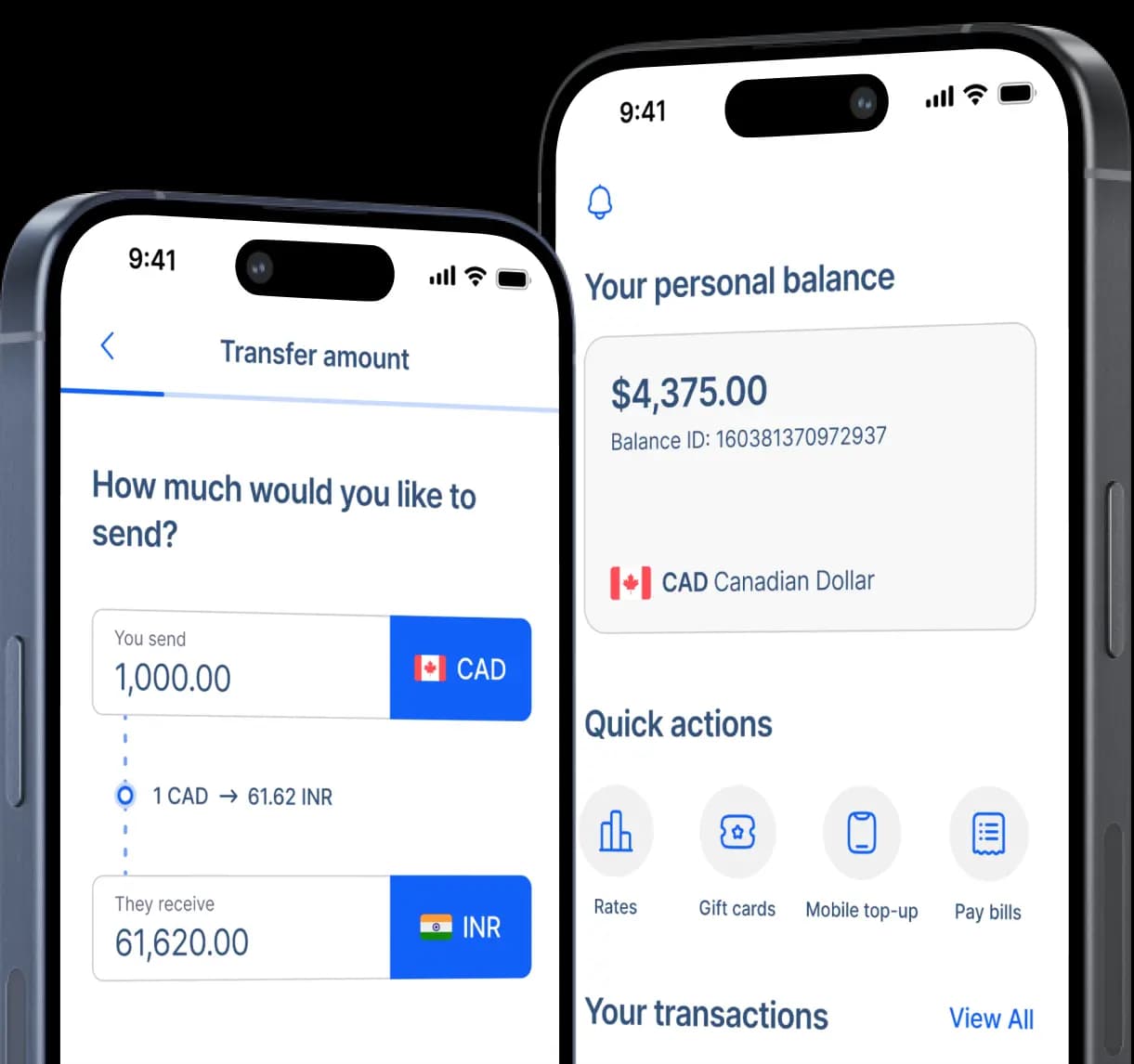
Step 6: Enter the CAD amount, choose the purpose of the transfer, and review the expected MXN payout.
Step 7: Select your Canadian payment method and follow the funding instructions displayed by RemitBee.
Step 8: Review the recipient details, CAD-to-MXN conversion, fee, and pickup information before confirming and tracking the transfer.
Telecomm has a new name on the ground in Mexico
Telecomm is the name Canadian senders may still see in RemitBee, but the Mexican government changed Telecomunicaciones de México, Telecomm, to Financiera para el Bienestar, or FINABIEN, through a decree published in October 2022.
Current FINABIEN remittance materials refer to the network as 1,700 branches across Mexico and explicitly describe those locations as the former Telecomm network.
The network has a strong inclusion role because its traditional remittance service reaches communities where conventional banking access can be limited, alongside locations in Mexico's larger urban centres.
Current FINABIEN documentation confirms that international money transfers can be paid through its branch network, while the conditions of an individual transfer still depend on the company that originated the remittance abroad.

Use the Telecomm route with the current Mexican network in mind
The Telecomm label may look familiar from older remittance services, yet the recipient experience now sits inside FINABIEN. Before sending, make sure everyone understands that name change, decide whether counter collection fits the recipient better than bank deposit, and judge the transfer by the pesos available at the other end.

RemitBee still uses Telecomm as the payout-provider label, while current Mexican government material consistently describes the branches as FINABIEN, formerly Telecomm. Sharing that update before the transfer can prevent confusion when a recipient searches for the closest location, asks for directions locally, or arrives at a branch whose signage no longer matches the name displayed in the Canadian transfer flow.

RemitBee's current Mexico corridor treats Telecomm as a cash-pickup network and says this receiving method does not require the beneficiary to open an app or account. That can make the route practical for someone who prefers physical pesos or lives in a community where visiting a FINABIEN location is easier than relying on a personal bank account.

For Interac e-Transfer, EFT, and bill payment, RemitBee currently charges $2.99 below $500 CAD and no service fee above $500, while debit-card pricing uses a separate scale. Compare that cost with the live CAD-to-MXN rate and final peso amount shown before payment so you can evaluate what your family is actually due to receive.
Help your recipient arrive ready for the FINABIEN counter
For collections above 30,000 Mexican pesos, FINABIEN also asks for proof of address, so a higher-value pickup may require more preparation than a smaller remittance.
The recipient should wait until RemitBee confirms that the money is available, then use the reference issued for that specific transaction rather than a number format borrowed from Western Union, WorldRemit, or another sender.
RemitBee is better on the app!