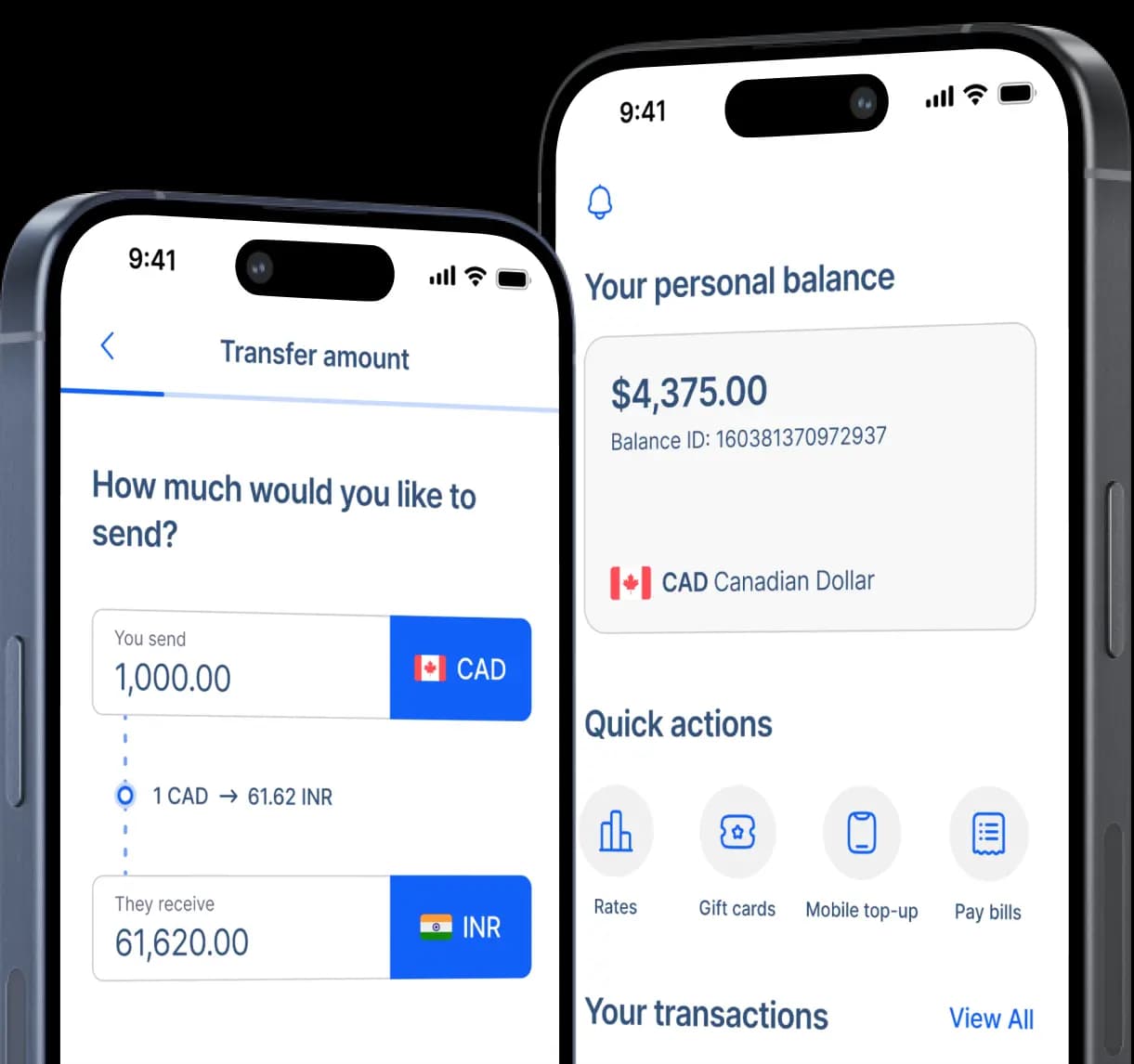
Send Money to Banorte in Mexico
Send Canadian dollars directly to an eligible Banorte account with the transfer fee, CAD-to-MXN exchange rate, delivery estimate, and expected peso amount shown before you confirm.


Fast and secure
How to transfer money to Banorte
Step 2: Select bank deposit as the receiving method.
Step 3: Choose Banorte, legally known as Banco Mercantil del Norte, as the recipient's bank.
Step 4: Enter the recipient's full legal name exactly as it appears on their Banorte account.
Step 5: Enter the 18-digit CLABE, account number, or other banking detail requested during checkout.
Step 6: Add the recipient's mobile number, address, and transfer purpose when requested.
Step 7: Enter the amount, review the expected MXN deposit, and choose your preferred payment method.
Step 8: Check the recipient details, exchange rate, transfer fee, delivery estimate, and final peso amount before confirming.
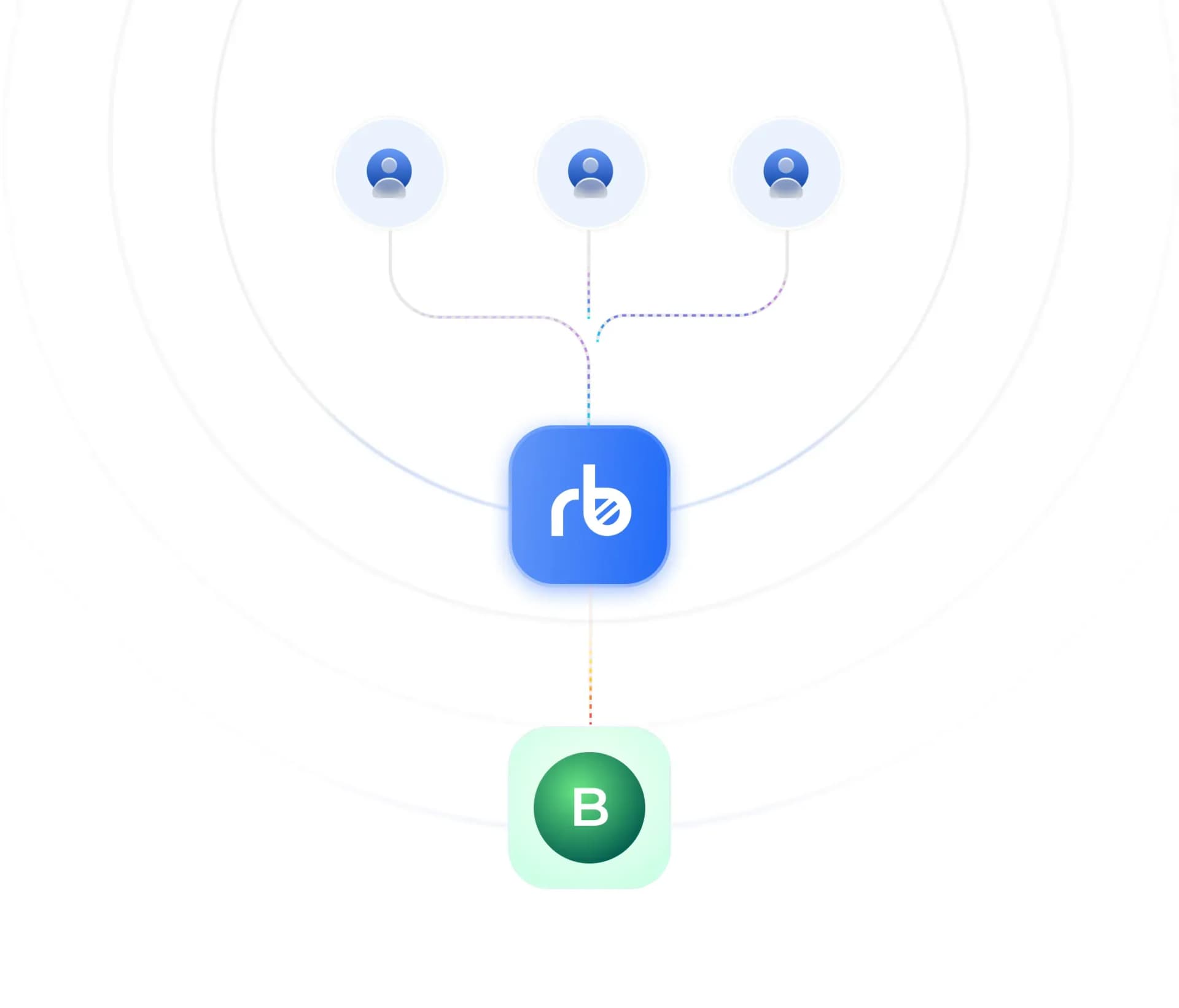
How Banorte works
Banorte is a Mexican bank legally known as Banco Mercantil del Norte. Eligible customers can receive deposits directly into their Banorte accounts in Mexico.
RemitBee converts the sender's Canadian dollars into Mexican pesos and delivers the quoted amount through the receiving method selected during checkout.
An 18-digit CLABE is commonly used to route deposits to Mexican bank accounts. An account number or debit-card number may be requested instead when the selected transfer route supports it.
Traditional international bank wires may require Banorte's SWIFT code, MENOMXMTXXX. RemitBee users should enter only the banking details requested in the transfer form.
Why choose Banorte?
Sending directly to a Banorte account gives recipients in Mexico a convenient way to receive pesos without visiting a separate cash-pickup location. With RemitBee, senders can review the Canadian dollar cost, exchange rate, delivery estimate, and expected MXN amount before confirming the transfer.

Choose Banorte during your RemitBee transfer to send the quoted Mexican peso amount directly to an eligible recipient account. Before confirming, you can review the amount charged in Canadian dollars, the transfer fee, the CAD-to-MXN exchange rate, and the amount the recipient is expected to receive.

Once the deposit arrives, the recipient can use the services available with their Banorte account. Depending on the account, they may be able to manage the money online, pay bills, transfer funds, use a linked debit card, withdraw cash from an ATM, or visit a branch for in-person service.

RemitBee shows the fee, exchange rate, recipient amount, and estimated delivery before you approve the transfer. Always confirm the recipient's legal name and requested banking details through a trusted contact method. Save the transfer reference and never share passwords, banking credentials, or one-time verification codes.
Access funds through Banorte across Mexico
RemitBee is better on the app!